Gaming isn't just about solo adventures anymore; it's a vibrant social hub where connecting with friends elevates the experience. For many US gamers, balancing a demanding job and family life means every minute spent gaming counts. That's why features like voice chat in Roblox are so crucial, offering instant, seamless communication that enhances team play, builds camaraderie, and makes those precious gaming sessions truly immersive. This comprehensive guide will walk you through exactly how to get voice chat in Roblox in 2026, addressing common setup issues, eligibility requirements, and practical tips to ensure a smooth, enjoyable experience. We understand the value of quick solutions and clear instructions for busy adult gamers who want to jump straight into the action without unnecessary hurdles. Whether you're coordinating strategies in a high-stakes game or just chilling with pals, mastering Roblox voice chat is key to staying current and maximizing your fun.
How do I activate voice chat on my Roblox account?
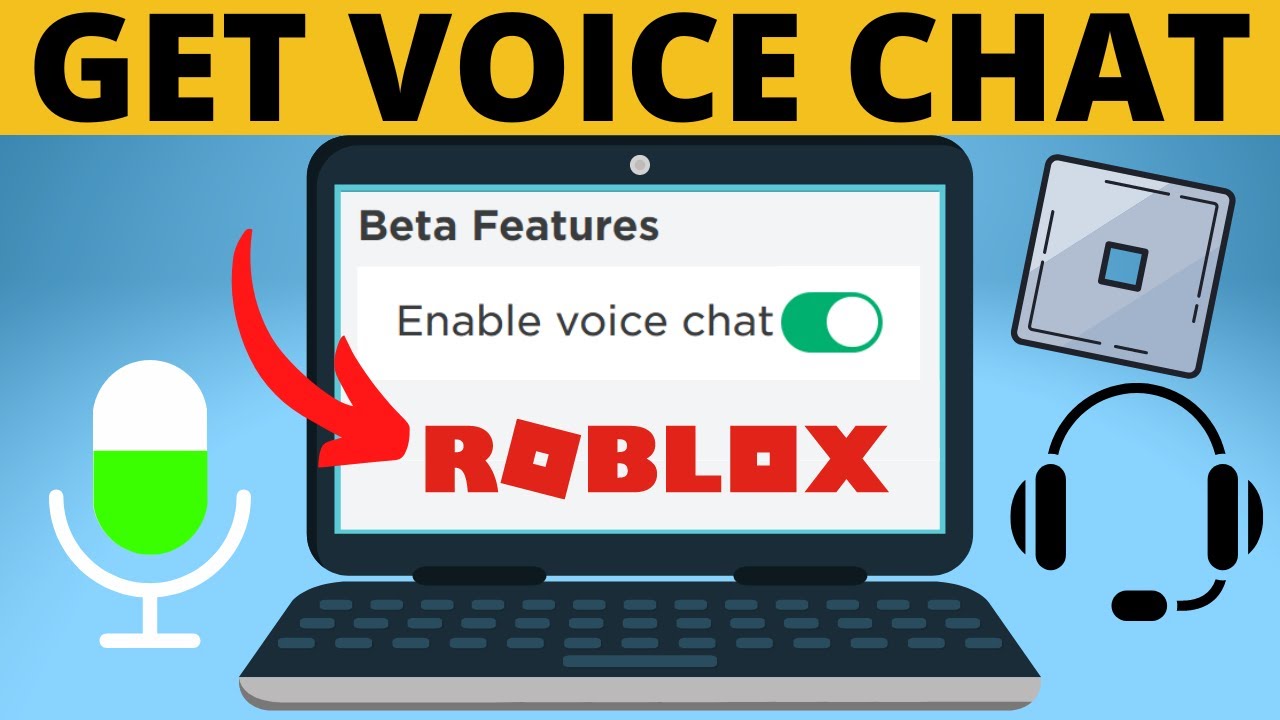
To activate voice chat, also known as Spatial Voice, on Roblox, you first need to be at least 13 years old and have verified your age using a valid government-issued ID. Once your age is verified, navigate to your Roblox Account Settings, then go to the Privacy tab. You should see a toggle labeled "Enable Spatial Voice" or similar. Turn this toggle on. Ensure your device's microphone is properly connected and allowed permissions for Roblox. After enabling, join a game that supports Spatial Voice, and you'll see a microphone icon above your character, indicating you can use voice chat.
What are the essential age and verification requirements for Roblox Spatial Voice?
Roblox requires users to be at least 13 years old to use Spatial Voice chat. This isn't just a simple birthday entry; it demands official age verification using a government-issued photo ID like a driver's license, passport, or state ID. Roblox partners with a third-party service to securely process this verification, often involving scanning your ID and taking a live selfie to match it. This stringent process ensures a safer environment for all users and complies with child online privacy regulations, preventing younger players from accessing the feature.
Which Roblox experiences and games currently support Spatial Voice chat?
While voice chat is a growing feature, it's not universally available in all Roblox experiences. It's up to individual game developers to integrate Spatial Voice into their creations. Typically, games designed for social interaction, role-playing, or collaborative building are more likely to support it. You can often tell if an experience has Spatial Voice enabled by checking its description page or looking for a microphone icon next to players' names or above their avatars within the game itself. Many popular social hubs and specific role-play games have adopted it, so explore popular games in the social genre.
What steps should I take if my Roblox voice chat isn't working properly?
If your Roblox voice chat isn't functioning, start with basic checks. First, ensure your microphone is connected, not muted, and set as the default input device in your operating system's sound settings. Next, confirm that Roblox has permission to access your microphone in your device's privacy settings. Within Roblox, double-check that Spatial Voice is enabled in your account's Privacy settings. Try restarting Roblox, your computer, or your mobile device. Sometimes, a simple refresh resolves temporary glitches. If issues persist, verify your internet connection and consider reinstalling Roblox.
How can I maintain privacy and safety while using Roblox voice chat?
Privacy and safety are paramount when using Roblox voice chat. Always be mindful of what you share and who you're speaking with. Roblox allows you to mute individual players directly in-game by clicking their avatar or their name on the leaderboard. You can also report inappropriate behavior using the in-game reporting tools. Regularly review your Roblox Privacy settings, where you can adjust who can chat with you or disable Spatial Voice entirely if you prefer. Teach yourself and any family members about not sharing personal information and being cautious of strangers. The robust age verification helps, but vigilance is always key.
Is it possible to use Roblox voice chat across different devices like PC, mobile, and console?
Yes, Roblox Spatial Voice is designed for cross-platform compatibility, meaning you can generally use it on any device where Roblox is fully supported, including PC, mobile (iOS and Android), and Xbox consoles. The eligibility requirements, specifically age verification, remain consistent across all platforms. As long as your account meets the criteria, and you have a working microphone connected to your device, you should be able to access and utilize voice chat in supported experiences regardless of whether you're gaming on your desktop, phone, or console.
Why might I be having trouble with age verification for Roblox voice chat?
Age verification issues for Roblox voice chat often stem from several common problems. Ensure the government-issued ID you're using is valid, unexpired, and clearly visible in the photos you submit. Blurry images, glare, or cropped corners can lead to rejection. The live selfie you take must match the ID closely, so make sure you're in a well-lit area and directly facing the camera. Discrepancies between your Roblox account's listed birthdate and the ID's date, or technical issues with your device's camera, can also cause problems. Always follow the on-screen prompts carefully and try again if the initial attempt fails.
For many of us who juggle work, family, and life's endless demands, gaming is more than just a hobby – it's our escape, our social hub, and a fantastic way to unwind. We cherish those precious hours, whether we're diving into an epic adventure, building something incredible, or just hanging out with friends. In 2026, over 87% of US gamers play regularly, often dedicating 10 or more hours a week, and a huge chunk of that time is spent in social experiences. This is especially true for platforms like Roblox, where community interaction is king. But what happens when you're trying to coordinate a complex strategy or just share a laugh with your squad, and typing feels like an ancient form of communication? That's where voice chat comes in, transforming your Roblox experience from good to absolutely essential.
Many of us have faced the frustration: a crucial moment in a game, and you're fumbling with your keyboard while your team needs instant input. Or perhaps you've heard others chatting and wondered, "How do I get in on that?" You're not alone. Balancing gaming with adult responsibilities means we need solutions that are straightforward, reliable, and don't eat into our limited free time. This guide is built for you, the dedicated gamer who values efficiency and wants to optimize every gaming session. We'll cut through the confusion and show you exactly how to get voice chat in Roblox, covering everything from initial setup and eligibility to troubleshooting common glitches. Get ready to enhance your social play, build stronger connections, and make every moment in Roblox more engaging and fun.
What exactly is Roblox Spatial Voice and why is it important for adult gamers?
Roblox Spatial Voice is the platform's official voice chat feature, designed to bring a new level of immersion and interaction to its vast universe of experiences. Unlike traditional voice chat that connects everyone in a single channel, Spatial Voice utilizes proximity chat – meaning you only hear players who are physically close to your avatar in the game world, and your voice fades as you move away from them. This creates a much more realistic and dynamic social environment, making conversations feel more natural and engaging. For adult gamers balancing busy lives, Spatial Voice is incredibly important. It allows for instant, hands-free coordination during intense gameplay, saving precious seconds that might otherwise be lost to typing. It fosters deeper social connections, allowing for natural banter and shared laughter, transforming quick gaming sessions into truly memorable social events. In a world where 87% of US gamers value social interaction and 60% are balancing gaming with other commitments, this seamless communication tool is vital for maximizing enjoyment and efficiency in Roblox.
How do I enable voice chat on my Roblox account?
Enabling voice chat on your Roblox account is a straightforward process, provided you meet the initial requirements. First and foremost, you must have successfully completed the age verification process, confirming you are 13 years or older. Once that's done, follow these simple steps:
- Log In to Roblox: Access your Roblox account through the website or the Roblox application.
- Go to Settings: Click on the gear icon located in the upper right corner to open the Settings menu.
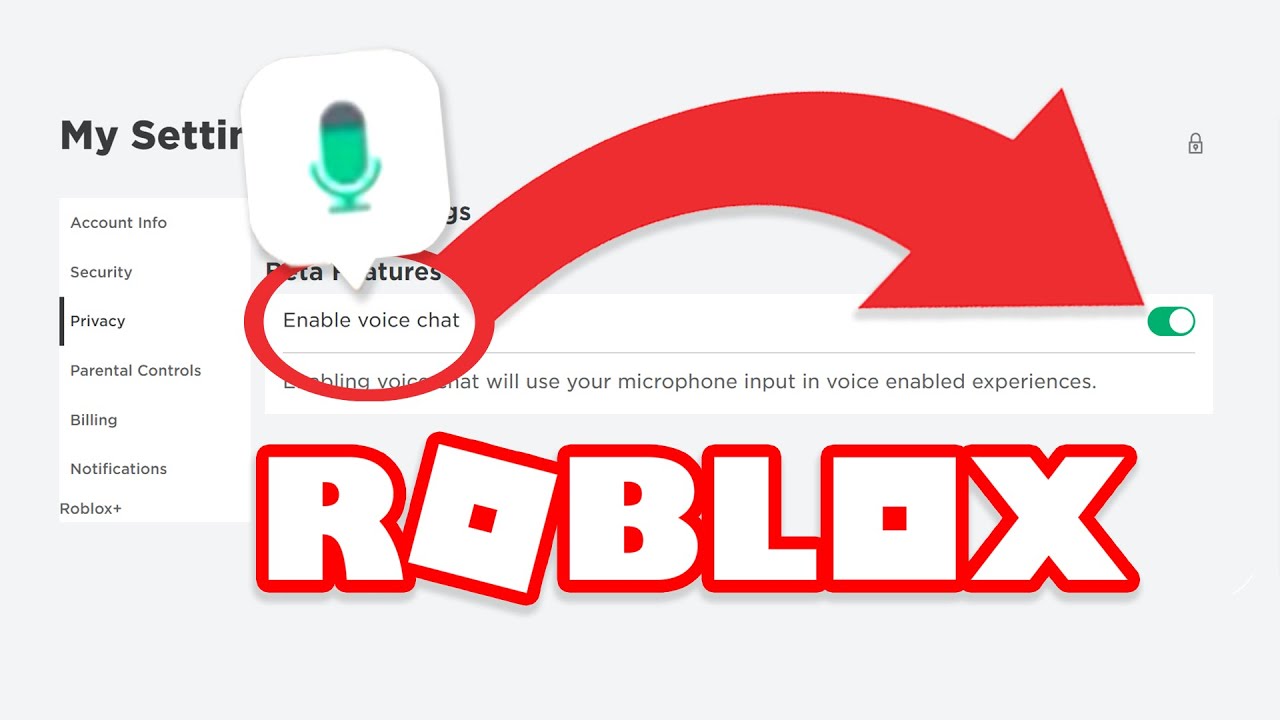
- Navigate to Privacy: On the left-hand sidebar, select the "Privacy" tab.
- Toggle Spatial Voice: Look for the "Enable Spatial Voice" toggle switch. Click it to turn the feature on. If you don't see this option, it's likely because your age has not yet been verified.
- Check Microphone Permissions: Ensure that Roblox has permission to access your microphone in your device's operating system settings (e.g., Windows Privacy settings, iOS/Android App Permissions).
- Select Default Microphone: Make sure your preferred microphone is set as the default input device in your computer's or mobile device's sound settings.
Once enabled, you can join any Roblox experience that supports Spatial Voice, and you should see a microphone icon above your avatar, indicating your voice chat is active and ready to use.
What are the age and verification requirements for Roblox voice chat?
Roblox takes child safety and online privacy very seriously, which is why strict age and verification requirements are in place for Spatial Voice. To use voice chat, you must be at least 13 years old. This isn't just a simple checkbox; Roblox requires users to verify their age using a valid government-issued photo ID. This process is handled securely through a third-party verification partner, typically Veriff, which specializes in identity verification. Here's what the process generally involves:
- Valid Photo ID: You'll need a government-issued photo ID such as a driver's license, passport, or state identification card. The ID must be current and clearly legible.
- Live Selfie: The verification process will ask you to take a live selfie using your device's camera. This selfie is compared against the photo on your ID to confirm your identity and ensure the ID belongs to you.
- Data Security: Roblox emphasizes that images of your ID and selfie are not stored by Roblox but are securely processed by their third-party partner and deleted after verification. This process adheres to strict privacy standards.
This stringent verification step ensures that Spatial Voice is only accessible to users who meet the minimum age requirement, creating a more age-appropriate and safer communication environment for everyone, particularly important given the platform's diverse user base. While it might seem like an extra step, it's a critical measure for compliance with regulations like COPPA (Children's Online Privacy Protection Act) and for maintaining a respectful community.
Are there specific games or experiences that support Roblox voice chat?
Yes, Roblox Spatial Voice is not universally available across all experiences. Its integration is entirely up to individual game developers. This means that while the feature is enabled on your account, you can only use it in games where the developer has specifically opted to include it. Developers often choose to implement Spatial Voice in experiences that benefit most from real-time, proximity-based communication.
You can typically identify games that support Spatial Voice in a few ways:
- Experience Description: Many developers will mention Spatial Voice support directly in the description of their game or experience.
- In-Game Icons: When you join a supported game, you'll often see a small microphone icon above your character's head or next to other players' names, indicating that voice chat is active in that specific experience.
- Social Hubs: Popular social hubs, role-playing games (RPGs), and collaborative building experiences are common places to find Spatial Voice. Trending games focused on community interaction are often early adopters. Keep an eye out for these in the social or simulator genres on Roblox's discovery page.
As of this month in 2026, the trend is for more and more developers to embrace Spatial Voice, recognizing its value in enhancing player engagement and creating more immersive social worlds. If you're looking for games to try it out, search for popular 'hangout' or 'roleplay' experiences, or check the official Roblox blog for lists of featured Spatial Voice experiences.
How can I troubleshoot common Roblox voice chat issues?
Even with everything set up correctly, you might encounter an occasional hiccup with Roblox voice chat. For busy adult gamers, wasting time on technical issues is frustrating. Here's a structured approach to troubleshooting common problems:
- Check Basic Microphone Setup:
- Connection: Ensure your microphone or headset is securely plugged in.
- Mute Status: Verify your microphone isn't physically muted (some headsets have a mute button) or muted in your operating system's sound settings.
- Default Device: Go to your device's sound settings and confirm your preferred microphone is selected as the default input device.
- Roblox Specific Settings:
- Privacy Toggle: Double-check in your Roblox Account Settings > Privacy tab that "Enable Spatial Voice" is still toggled on.
- App Permissions: Ensure Roblox has permission to access your microphone. On Windows, go to Settings > Privacy & security > Microphone. On mobile, check app permissions for Roblox.
- Restart Everything: Sometimes, a simple restart is all it takes. Close Roblox completely, restart your computer or mobile device, and then relaunch Roblox.
- Internet Connection: A stable internet connection is crucial. Poor Wi-Fi or high ping can cause voice dropouts or prevent connection. Test your internet speed and consider a wired connection if on PC.
- Roblox Client/App Update: Ensure your Roblox client or mobile app is updated to the latest version. Outdated software can lead to compatibility issues.
- Firewall/Antivirus: Temporarily disable your firewall or antivirus software to see if it's blocking Roblox's voice chat connection. If this fixes it, you'll need to add Roblox as an exception.
- Reinstall Roblox: As a last resort, uninstalling and then reinstalling the Roblox application can resolve corrupted files or persistent software glitches.
By systematically going through these steps, you can quickly identify and resolve most Roblox voice chat problems, getting you back to communicating with your friends with minimal downtime.
What are the best practices for privacy and safety with Roblox voice chat?
While Roblox has implemented age verification to ensure a safer environment, maintaining your privacy and safety during voice chat is still paramount, especially for adults who understand the nuances of online interactions. Here are some best practices:
- Be Mindful of Personal Information: Never share personal details such as your full name, address, phone number, school, workplace, or other identifying information with strangers or even new acquaintances in Roblox voice chat.
- Utilize Mute and Report Features: If you encounter any player behaving inappropriately, being toxic, or making you uncomfortable, use the in-game mute feature immediately. You can typically mute individuals by clicking on their avatar or their name on the player list. Roblox also provides robust reporting tools; use them to report any violations of the community standards.
- Adjust Privacy Settings: Regularly review your Roblox Privacy settings. You have control over who can chat with you and can disable Spatial Voice entirely if you prefer a break or are playing with younger family members nearby.
- Understand Your Surroundings: Be aware of background noise or conversations in your physical environment. Your microphone picks up everything, so ensure nothing sensitive is being broadcast inadvertently.
- Educate Others (if applicable): If younger family members also use Roblox on their accounts (without voice chat enabled, as per age rules), teach them about online safety and stranger danger, even in text chat.
- Trust Your Instincts: If a conversation feels off or someone is pushing boundaries, it's always best to disengage. Your comfort and safety are the priority.
By staying vigilant and utilizing Roblox's built-in safety features, you can ensure your voice chat experience remains positive and secure.
Can I use Roblox voice chat on mobile, PC, and console platforms?
Yes, Roblox Spatial Voice is designed with cross-platform compatibility in mind, a crucial aspect for modern gamers who often switch between devices. This means that once your Roblox account has successfully undergone age verification and Spatial Voice is enabled in your settings, you can generally use it across various platforms where Roblox is available and a microphone can be connected. This includes:
- PC (Windows/Mac): The most common platform, where any connected microphone (built-in laptop mic, USB mic, headset mic) will work.
- Mobile Devices (iOS/Android): Play on your smartphone or tablet and use your device's built-in microphone or a connected headset. Mobile gaming continues to dominate the market in 2026, making this cross-compatibility essential for social gamers on the go.
- Xbox Consoles: Roblox is available on Xbox, and Spatial Voice can be used with compatible headsets connected to your console.
The core requirements – being 13+ and having a verified ID – remain consistent across all these platforms. Your voice chat experience will largely depend on your internet connection and the quality of your microphone on each device. This cross-platform functionality underscores Roblox's commitment to creating a unified, social gaming experience, allowing you to connect with friends regardless of how they choose to play.
How does Roblox voice chat compare to external voice apps like Discord?
For many adult gamers, Discord is the go-to for voice communication, offering a feature-rich environment. So, how does Roblox's Spatial Voice stack up? Both serve the purpose of in-game communication, but they cater to slightly different needs and offer distinct advantages.
| Feature | Roblox Spatial Voice | Discord |
|---|---|---|
| Integration | Seamless, in-game, proximity-based | External app, requires switching/overlay |
| Setup | Age verification, in-game toggle | Account creation, server/channel join |
| Functionality | Proximity chat, basic mute/report | Channels, DMs, screen sharing, bots, rich text |
| Reach | Limited to specific Roblox experiences | Multi-game, private communities |
| Privacy | Roblox age-gate, in-game moderation | User-managed servers, robust privacy settings |
| Resource Use | Native to Roblox client, generally light | Separate application, can use more resources |
Pros of Spatial Voice: Its main advantage is seamless, native integration. The proximity chat adds a layer of realism and immersion that external apps can't replicate. You don't need to juggle multiple apps; it just works within the Roblox environment. This is perfect for casual social interaction or quick tactical calls without breaking immersion.
Pros of Discord: Discord offers far greater versatility and control. With dedicated servers, multiple voice channels, text chat, screen sharing, and the ability to connect with friends across any game, it's the powerhouse for organized gaming communities and long-term friendships. For gamers who dedicate 10+ hours a week and value performance optimization and robust social tools, Discord often remains essential for broader social gaming.
Ultimately, the choice depends on your specific needs. For pure in-Roblox immersion and casual chatter, Spatial Voice is excellent. For organized group play across different games, deep customization, and advanced communication features, Discord remains king. Many gamers utilize both, leveraging Spatial Voice for in-game realism and Discord for their broader gaming circle.
What are the social benefits of using voice chat in Roblox for busy adults?
For adult gamers juggling careers, families, and other responsibilities, gaming time is a cherished commodity. Voice chat in Roblox, particularly Spatial Voice, amplifies the social aspect of this time, making every moment more impactful and enjoyable. Here’s why it's so beneficial:
- Enhanced Connection: Real-time voice communication fosters stronger bonds with friends and fellow players. It’s easier to share a laugh, offer support, or simply chat compared to typing, which feels clunky and slow. For the 87% of gamers who prioritize social play, this is a game-changer.
- Better Teamwork and Strategy: In cooperative or competitive Roblox experiences, instant vocal commands can be the difference between victory and defeat. Coordinating strategies, calling out threats, or giving directions becomes fluid and intuitive, making your limited gaming sessions more productive and satisfying.
- Deeper Immersion: Proximity-based voice chat adds a layer of realism, making you feel truly present in the game world. Hearing nearby players chatter or coordinate specific actions enhances the overall immersive experience, which can be a fantastic way to destress and escape after a long day.
- Meeting New People: Voice chat makes it easier to strike up conversations with new players who share similar interests. This can lead to new friendships and expand your gaming network within the Roblox community.
- Stress Relief and Fun: There’s an undeniable joy in simply conversing and laughing with others while gaming. Voice chat facilitates this natural interaction, providing a vital outlet for relaxation and fun that many adult gamers seek.
By streamlining communication, Spatial Voice transforms Roblox from a solo or text-based platform into a vibrant, dynamic social hub where every interaction enriches the experience, perfectly suiting the needs of today's busy adult gamer.
What are the potential pitfalls or limitations of Roblox voice chat?
While Roblox voice chat offers immense benefits, it's not without its potential drawbacks and limitations that users, especially adults, should be aware of:
- Not All Games Support It: As mentioned, Spatial Voice implementation is developer-dependent. This means you won't be able to use voice chat in every Roblox experience, which can be disappointing if your favorite game hasn't integrated it yet.
- Potential for Misconduct: Despite Roblox's strict age-gating and moderation efforts, online environments can sometimes harbor inappropriate behavior. While you can mute and report, encountering toxicity is a potential downside, requiring vigilance and proactive use of safety features.
- Privacy Concerns: Accidentally broadcasting background noise or private conversations from your physical environment is a risk. Users must be mindful of their surroundings and microphone sensitivity.
- Performance Impact: While generally minimal, adding real-time voice processing can slightly increase resource usage on older devices or during high-ping connections, potentially affecting game performance for some users.
- Age Verification Barrier: For some, the government ID verification process can be a deterrent or a point of friction, either due to privacy concerns about sharing ID or simply lacking a suitable ID.
- Limited Features Compared to Dedicated Apps: Spatial Voice is focused on in-game, proximity-based communication. It lacks advanced features found in platforms like Discord, such as private channels, direct messaging, screen sharing, or custom server moderation tools. This can be a limitation for organized groups.
Understanding these limitations allows gamers to set realistic expectations and take necessary precautions, ensuring a more enjoyable and secure experience with Roblox voice chat.
FAQ Section
Can I use Roblox voice chat if I am under 13?
No, Roblox voice chat, known as Spatial Voice, is strictly for users aged 13 and older, requiring government-issued ID verification for eligibility to ensure a safe environment.
Is Roblox voice chat free to use?
Yes, accessing and using Roblox Spatial Voice chat within supported experiences is completely free once you meet the age verification requirements and have a working microphone.
How do I know if a Roblox game supports Spatial Voice?
Games that support Spatial Voice usually indicate it in their description or have a microphone icon above players' heads in-game, showing who is using the feature.
What if my microphone isn't working with Roblox voice chat?
First, check your system's sound settings to ensure the correct microphone is selected and not muted. Then, review Roblox settings for microphone permissions and test in a Spatial Voice enabled experience.
How long does Roblox age verification take?
Roblox age verification, utilizing a government-issued ID and live selfie, typically takes only a few minutes to process. In some cases, it might take up to 24 hours if manual review is required, but it's usually very quick.
Can I disable Roblox voice chat after enabling it?
Yes, you can disable Roblox Spatial Voice chat at any time. Simply go back to your Roblox Account Settings, navigate to the Privacy tab, and toggle the "Enable Spatial Voice" option off.
Navigating the world of in-game communication can sometimes feel like another task on an already busy to-do list, but getting voice chat in Roblox is a straightforward process that significantly enhances your gaming experience. For us adult gamers balancing life, work, and precious moments of escape, features like Spatial Voice offer instant connection and deeper immersion without added fuss. By understanding the eligibility, setup, and troubleshooting steps outlined here, you're well-equipped to jump into seamless conversations with friends and fellow players. Whether you're strategizing in a competitive game or just enjoying a casual build session, voice chat bridges the gap, making every interaction more fluid and enjoyable. What's your biggest gaming challenge when it comes to connecting with friends online? Comment below!
Enabling Roblox voice chat requires age verification 13 plus. Access Spatial Voice via account settings. Ensure your microphone is properly configured. Understand game specific voice chat availability. Prioritize privacy and safety settings for a secure experience. Troubleshoot common issues efficiently. Connect with friends and enhance gameplay through seamless communication.
35
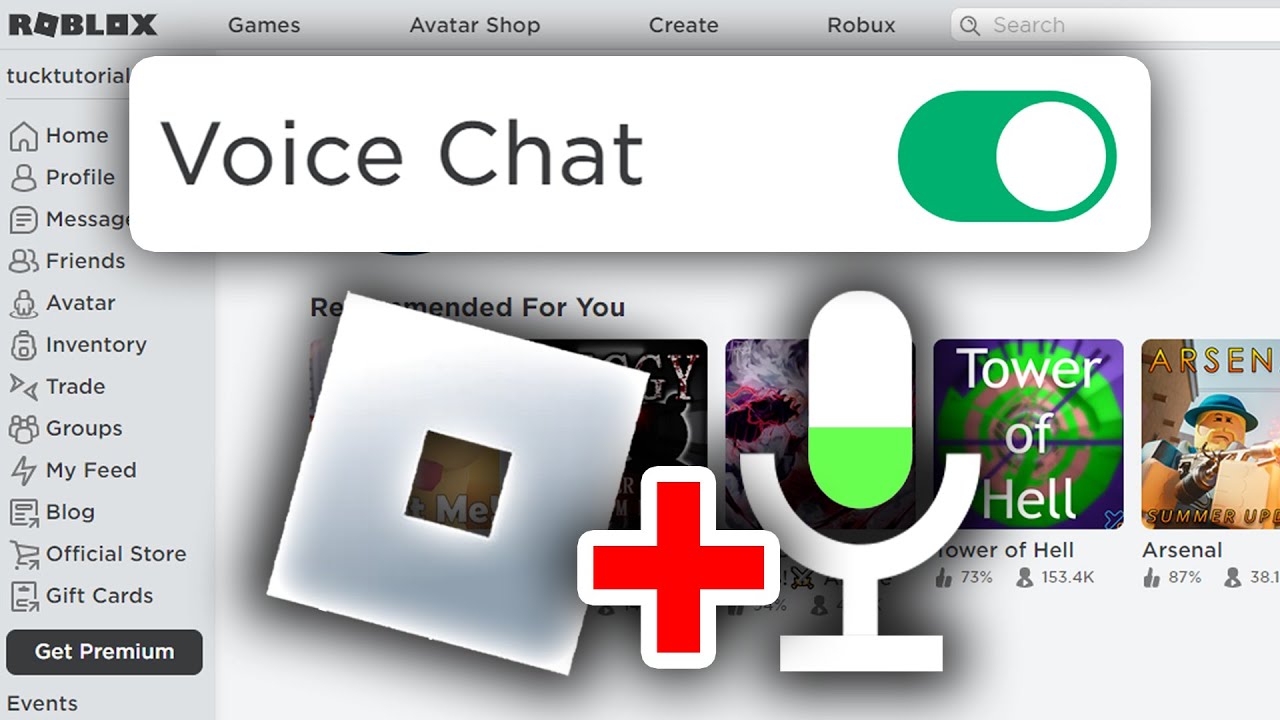


Why Won T My Roblox Voice Chat Work Simple Fixes . Can 17 Year Olds Use Voice Chat On Roblox Today Foto Voice Chat Roblox . Roblox Voice Chat Your 2025 Guide . How To Get Voice Chat On Roblox 2026 YouTube . How To Message On Roblox 2026 A Quick Guide


How To Get Voice Chat In Roblox . How Does The Roblox Push To Talk Button Work Effectively How To Enable Voice Chat In Roblox 2026.webp. How To GET VOICE CHAT On Roblox 2026 YouTube . How To Get Voice Chat On Roblox Step By Step Guide YouTube . How To Get Voice Chat In Roblox

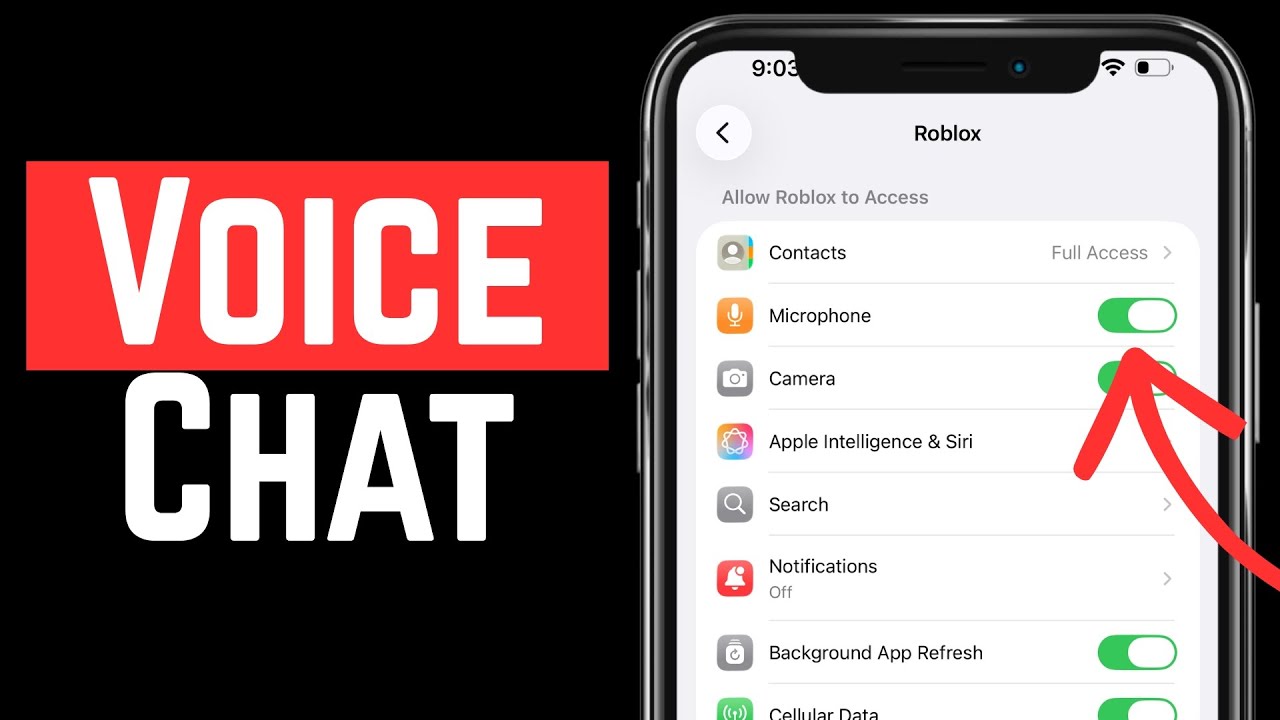

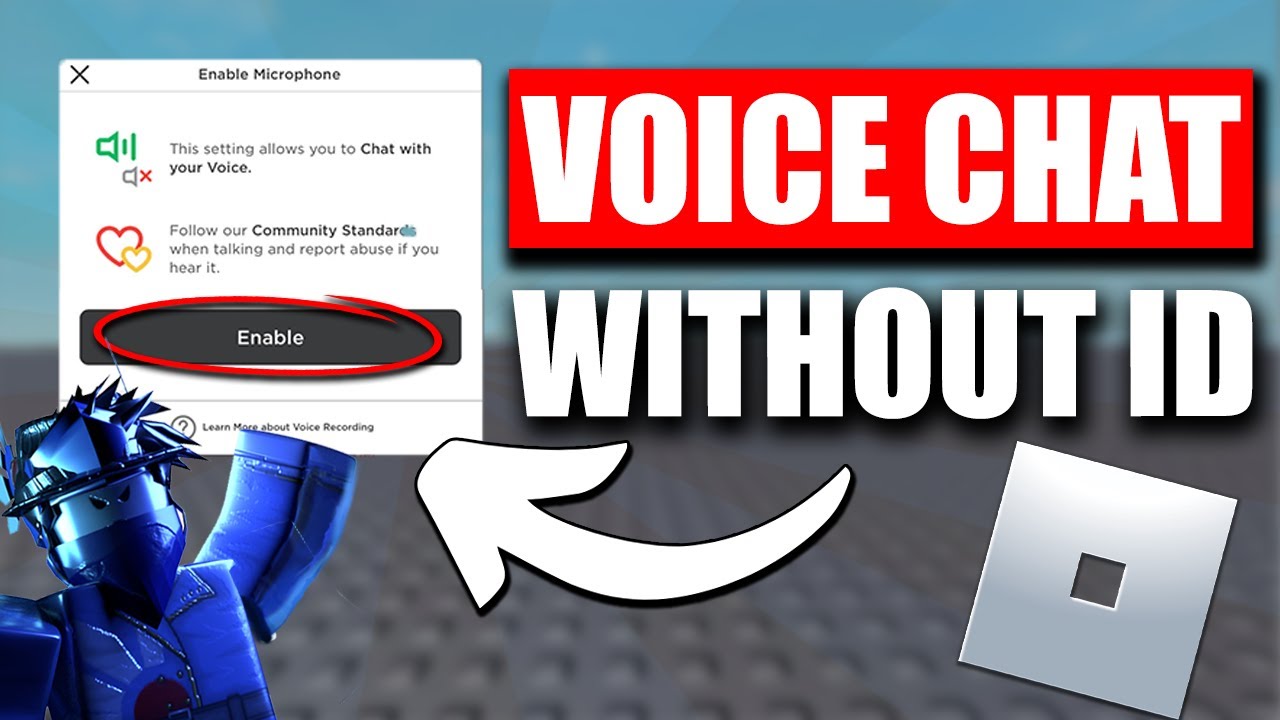
How To Get Voice Chat On Roblox TechStory . How To Get Voice Chat On Roblox FREE 2026 UPDATED YouTube . How To Get Voice Chat On Roblox 2026 WITHOUT ID Full Guide YouTube . How To Get Voice Chat In Roblox Mobile 2026 Full Guide YouTube . Can 17 Year Olds Use Voice Chat On Roblox Today PC Mobile How To Get Voice Chat On Roblox


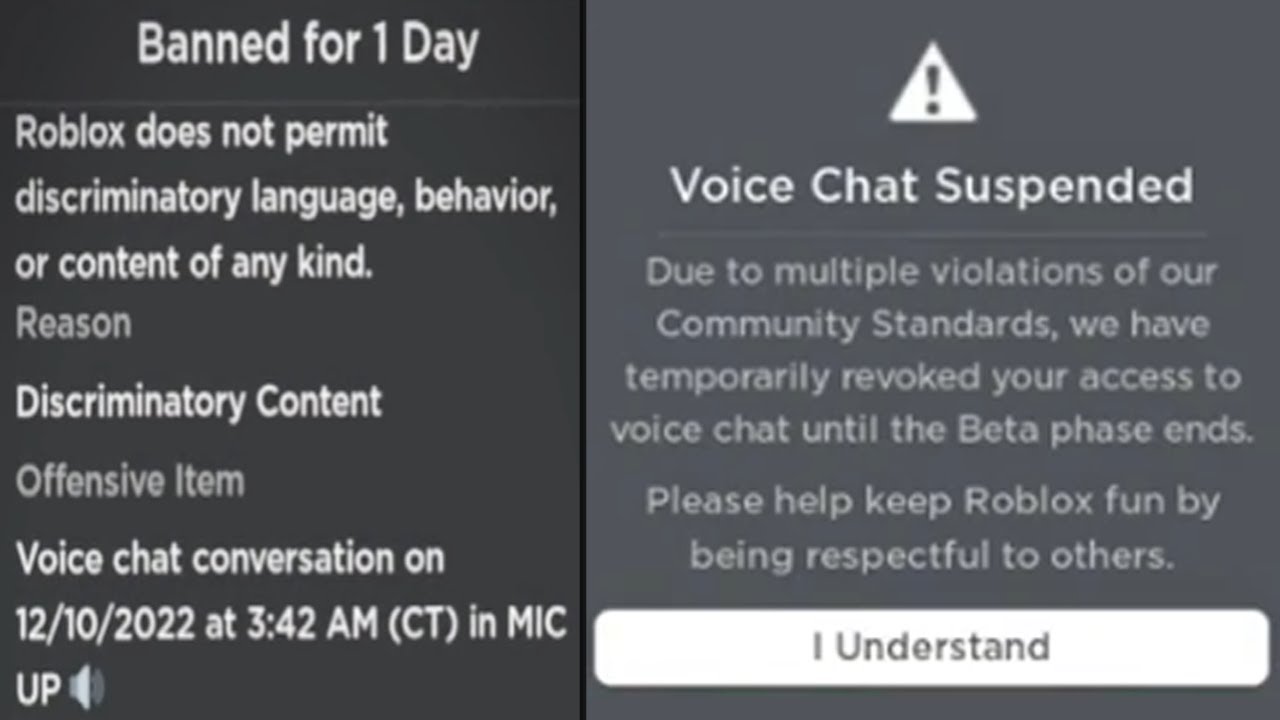
How To Get Voice Chat On Roblox 2026 Roblox Desk How To Get Voice Chat On Roblox In 2026.webp. Can 17 Year Olds Use Voice Chat On Roblox Today How To Get Roblox Voice Chat . How To Enable Voice Chat In Roblox The Ultimate Guide For Gamers The AD 4nXf. Can 17 Year Olds Use Voice Chat On Roblox Today . How To Get Voice Chat In Roblox

Why Won T My Roblox Voice Chat Work Simple Fixes . Can 17 Year Olds Use Voice Chat On Roblox Today Cara Mendapatkan Voice Chat . Cara Chat Di Roblox Dukungan Roblox. How To Get Voice Chat In Roblox How To Voice Chat Roblox . How To Get Voice Chat In Roblox


How To Get Voice Chat On Roblox With And Without ID Get Voice Chat On Roblox Step 29 . Roblox On Xbox Can You Chat With Your Voice . Why Won T My Roblox Voice Chat Work Simple Fixes . How To Get Voice Chat On Roblox TechStory 372b . How To Get Voice Chat On Roblox Everything You Need To Know 7f781118 4e49 467f A234




How To Get Voice Chat On Roblox WITHOUT ID 2026 Mobile PC YouTube . How To Get Voice Chat On Roblox Mobile PC 2026 BL Roblox Get Voice Chat . How To Get Voice Chat In Roblox March 2026 Guide Voice Chat 1024x576 . How To Use Voice Chat On Roblox In 2024 Full Guide YouTube . How To Get VOICE CHAT In Roblox WORKING 2026 YouTube