Mastering player teleportation in Roblox Studio is a game-changer for any aspiring developer. This guide dives deep into how to teleport player Roblox, covering everything from simple in-game movements to complex inter-place transfers. For busy gamers and creators who juggle jobs and families, learning efficient scripting methods means more fun and less frustration. Teleportation allows you to craft dynamic experiences, build intricate maps with instant travel points, or even create captivating quest lines that span multiple game areas. Discover the essential Lua commands and Roblox services required, ensuring your game flows seamlessly and keeps players engaged. We will explore various techniques, common pitfalls, and best practices to optimize performance and deliver a smooth user experience. Whether you are designing a social hub, an adventure game, or a competitive arena, understanding how to effectively move players around is a core skill that enhances overall game quality and player retention. Dive into practical tips that will elevate your Roblox development.
Related games- Guide to a Witchs Pet 2026 Ultimate Familiar Secrets
- How GTA 6 VR Could Redefine Virtual Reality Gaming
- Guide to GTA V Police Buffalo: Spawns Stats Tips
How do you teleport a specific player to another player in Roblox Studio?
You can teleport one player to another by getting the target player's character and then setting the HumanoidRootPart CFrame of the teleporting player's character to match the target player's HumanoidRootPart CFrame. This requires a server-side script and careful handling of character loading to avoid errors. For example, local targetPlayer = game.Players:FindFirstChild('TargetPlayerName'); if targetPlayer and targetPlayer.Character then local targetPosition = targetPlayer.Character.HumanoidRootPart.CFrame; player.Character.HumanoidRootPart.CFrame = targetPosition + Vector3.new(0,5,0); end to slightly offset them.
What Roblox event should I use to detect when a player touches a teleport pad?
The 'Touched' event on a Part is ideal for detecting when a player steps on a teleport pad. You'd attach a script to your pad and use pad.Touched:Connect(function(hit) ... end). Inside the function, check if 'hit' is part of a player's character (e.g., hit.Parent:FindFirstChild('Humanoid')) to confirm a player has touched it before executing the teleport.
How can I make a GUI button teleport a player in Roblox?
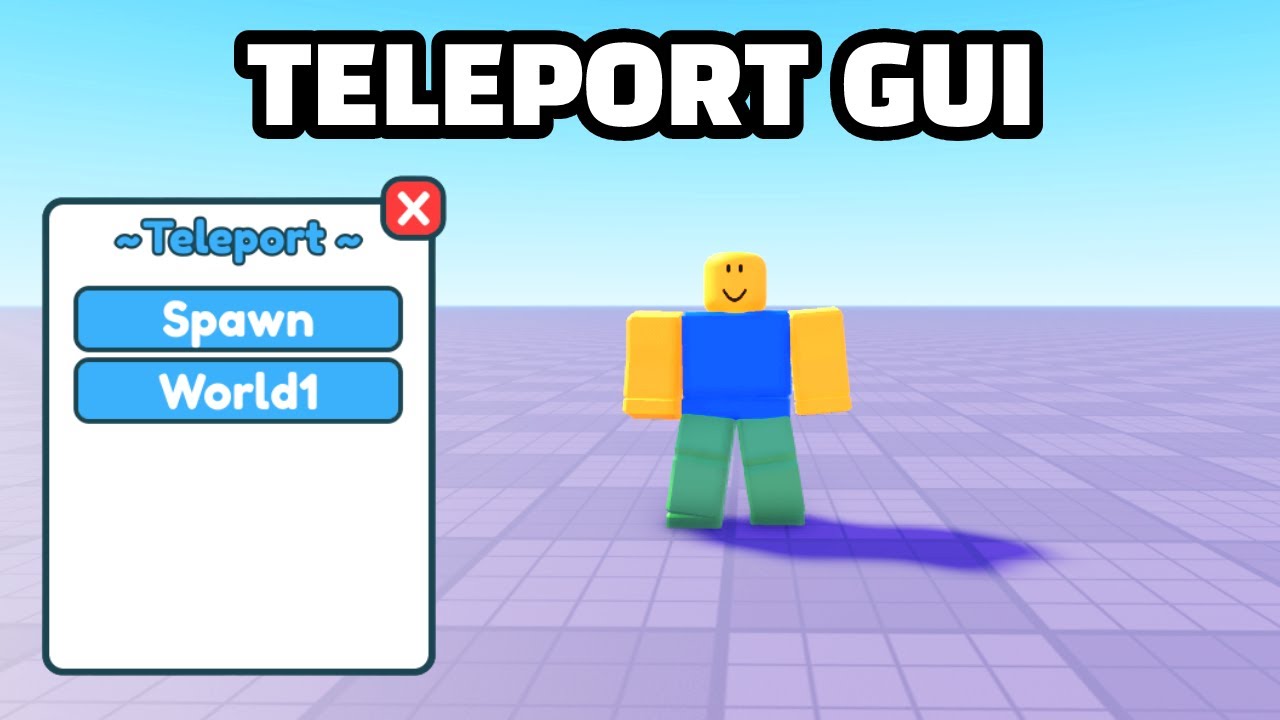
To make a GUI button teleport a player, place a LocalScript inside the TextButton or ImageButton. Use button.MouseButton1Click:Connect(function() ... end) to detect clicks. Inside this function, you can then call a RemoteEvent to the server, passing the player's character to be teleported to a specific location or place. This ensures secure server-side execution of the teleport.
What is the TeleportData parameter in TeleportService:Teleport()?
The TeleportData parameter is an optional dictionary that allows you to pass custom data from the current game to the destination game. This is incredibly useful for carrying over player stats, quest progress, or inventory information, ensuring a seamless experience between different places in your game universe. The data is received in the new place via the TeleportService:GetLocalPlayerTeleportData() function.
How do I handle errors and failures when using TeleportService?
TeleportService offers events like TeleportService.TeleportInitFailed and TeleportService.TeleportFailed which you can connect to in a LocalScript. These events provide a Player instance and an Enum.TeleportResult reason, allowing you to inform the player about the failure (e.g., 'Teleport failed: Destination full') or attempt to retry the teleport after a delay, improving game stability.
Can I restrict who can use a teleport feature in my Roblox game?
Yes, you can restrict teleport access using server-side scripting. Within your teleport script, check if the player meets certain criteria, such as having a specific Game Pass, being a member of a certain group, or being on an admin whitelist. If they don't meet the requirements, simply do not execute the teleport command, providing a message to the player instead.
What are the best practices for designing user-friendly teleportation systems in Roblox?
Best practices include clear visual cues (e.g., glowing pads, directional arrows), concise GUI instructions, and a consistent teleport experience. Provide loading screens for inter-place teleports. Offer choices for multiple destinations via menus, and incorporate sound effects or animations to make teleports feel impactful. Always test extensively on various devices to ensure a smooth, lag-free experience for all players, from PC to mobile.
Hey fellow gamers and creators! Ever found yourself playing a Roblox game and wishing you could instantly zap across the map, or perhaps even jump to a completely new world with your friends? For many of us balancing a demanding job, family life, and our precious gaming hours, a smooth, intuitive experience is paramount. We value games that respect our time, offer clear progression, and let us dive into the fun without needless grinding or frustrating navigation. This month, with social gaming trends still dominating and 87% of US gamers regularly dedicating 10 plus hours a week, efficiency in game design isn't just a luxury, it's a necessity. That's where knowing how to teleport players in Roblox becomes an absolute superpower for developers. It's not just about making things look cool; it's about solving real problems like slow travel, fragmented experiences, or getting players to the action faster. Whether you are building a bustling social hangout, an intricate escape room, or an epic adventure game, mastering teleportation ensures players stay engaged and enjoy every moment. Let's explore the ins and outs of this vital Roblox Studio skill, making sure your creations are as seamless and fun as possible.
Why is Teleporting Players Crucial for Modern Roblox Game Design?
Teleportation isn't just a neat trick; it is a fundamental tool for creating efficient, immersive, and expansive Roblox experiences. For gamers who juggle life's responsibilities, time is precious. They appreciate designs that remove tedious travel, instantly transporting them to new challenges, social zones, or story segments. This ensures a higher retention rate and keeps the experience fresh, rather than letting players get bogged down by lengthy walks or slow loading zones. From a developer's perspective, it allows for larger worlds, segmented game modes, and dynamic events without compromising player flow. It supports the mobile dominance trend in gaming by making navigation snappy even on smaller screens.
What are the Basic Methods to Teleport Players in Roblox Studio?
At its core, teleporting a player in Roblox Studio involves using scripts to change their position instantly. The most straightforward method is by directly setting a player's character HumanoidRootPart position. You'll typically write a server-side script that listens for an event, like a player touching a part or activating a GUI button, and then executes the teleport command. This process ensures reliability and security within your game, preventing client-side exploits. Understanding the basics of variables, events, and properties in Lua is key to getting started with these simple teleports.
How Do You Teleport a Player to a Specific Part or Position?
Teleporting a player to a precise location is one of the most common uses. You can achieve this by defining a Vector3 position or referencing an existing Part in your workspace. First, identify the target location. If it's a Part, simply get its position. If it's a coordinate, create a new Vector3 value. Then, you'll access the player's character, specifically the HumanoidRootPart, and update its CFrame or Position property. For example, a script might look something like: game.Players.PlayerAdded:Connect(function(player) player.CharacterAdded:Connect(function(character) wait(1) character.HumanoidRootPart.CFrame = CFrame.new(0, 50, 0) end) end). This moves the player to the coordinates 0, 50, 0, which is useful for setting spawn points or instant travel spots.
Can You Teleport Players to Different Roblox Places or Games?
Absolutely, and this is where Roblox's powerful TeleportService comes into play. Unlike in-game teleports, moving players between different 'places' (which are essentially different games or distinct areas within a multi-place experience) requires this service. You'll need the PlaceId of the destination game. The script calls TeleportService:Teleport(placeId, player) to send a player to a new location. This is incredibly useful for creating expansive game hubs, minigame lobbies, or multi-level adventures, giving players varied experiences without leaving the Roblox platform. It's a key feature for developers building complex social worlds, a major trend with US gamers right now.
What Are Common Scripting Issues When Implementing Teleportation?
Even seasoned developers hit snags. Common issues include players falling through the map after teleporting, characters getting stuck, or teleport failures across different places. Often, these problems stem from not waiting for the player's character to fully load (using CharacterAdded events), incorrect CFrame positioning that places the player inside another object, or trying to teleport players without a valid PlaceId. Debugging involves careful use of print statements to track player positions and script execution flow. Ensuring the destination isn't blocked and that the player's Humanoid is properly loaded are critical steps to prevent these headaches.
How Can Teleportation Enhance Social Gaming Experiences?
Teleportation is a cornerstone of modern social gaming, a huge draw for the 60% of US gamers who play to connect with others. Imagine a game where you can instantly join friends in a mini-game, warp to a party zone, or gather for a timed event without waiting. This fosters a sense of community and reduces friction, making it easier for players to interact and form groups. Many popular social games leverage teleport pads or instant travel menus to keep players engaged in different activities, reflecting current trends where seamless social interaction is prioritized over solitary grinding. It makes playing with friends simple and direct, enhancing that core value of connection.
Are There Performance Considerations When Using Teleport Services?
Yes, performance is always a consideration, especially for gamers on mobile or older hardware, which is a significant portion of the Roblox player base. While TeleportService itself is highly optimized by Roblox, frequent or poorly managed teleports can still impact performance. For in-game teleports, ensure your destination isn't in a heavily unoptimized area of your map, as loading dense environments can cause lag spikes. For inter-place teleports, inform players about loading screens to manage expectations. Avoid repeatedly teleporting players in rapid succession without a brief cooldown, as this can strain the server and client resources. Balancing features with optimization is key to a smooth experience for all players.
What's the Best Way to Create Interactive Teleport Pads?
Interactive teleport pads are a classic and highly effective way to implement in-game teleports. The process typically involves creating a Part in your workspace, making it visible and identifiable (e.g., a glowing platform). Then, you'll attach a script to this part. The script uses the .Touched event to detect when a player's character steps on the pad. Once detected, it triggers the teleport logic, moving the player to a predefined destination. Adding effects like sound, visual particles, or a brief fade-to-black can significantly enhance the player experience, making the teleport feel more intentional and engaging. This method is intuitive and easy for players to understand, offering clear navigational cues.
How Does Teleportation Fit into Modern Roblox Game Trends?
Teleportation perfectly aligns with several key 2026 gaming trends. With the rise of 'cozy games' and social hubs, instant travel between themed areas or friend groups is essential. It supports the free-to-play model by making different game modes easily accessible, encouraging players to explore more content. For creators, it facilitates episodic content updates, allowing new areas or challenges to be added and instantly accessed. It also plays a role in event-driven gaming, where players are teleported to limited-time activities. As players seek variety and quick engagement, a well-implemented teleport system keeps your game feeling fresh and relevant.
How Can Busy Gamers Quickly Learn and Implement Teleport Features?
For busy adult gamers who also want to dabble in development, quick learning is crucial. Start with basic in-game teleports by following simple online tutorials or Roblox's official documentation. Focus on understanding the HumanoidRootPart and CFrame. Experiment with a basic script that teleports your character to a fixed point when you press a key. Once comfortable, move to creating a simple touch-activated teleport pad. Only then should you delve into TeleportService for inter-place travel. Prioritize understanding the core concepts over memorizing complex code. Many creators find that dedicating short, focused bursts of time, perhaps 30 minutes after the kids are asleep or during a lunch break, is the most effective way to build skills without overwhelming their schedule.
Teleportation in Roblox Studio is a fundamental skill that opens up a world of possibilities for game design, enhancing player experience, and keeping your creations relevant in a fast-paced gaming landscape. By mastering these techniques, you are not just moving players; you are crafting more engaging, efficient, and memorable adventures. With the right approach, even busy gamers can confidently implement these powerful features, elevating their development game. What's your biggest gaming challenge when it comes to world traversal or player movement? Comment below!
FAQ Section
How do I teleport all players in Roblox?
To teleport all players in a Roblox server, you iterate through game.Players:GetPlayers() in a server script. For each player, you access their character's HumanoidRootPart and set its CFrame or Position to the desired destination. This is often used for starting events or moving groups to a new zone simultaneously, ensuring collective experiences.
What is the difference between CFrame and Position for teleporting?
Position sets the center point of an object in 3D space, useful for simple relocation. CFrame (Coordinate Frame) includes both position and orientation (rotation), making it more robust for teleporting as it controls where the player faces upon arrival. Using CFrame.new(Vector3.new(x,y,z)) is generally preferred for precise placement and player orientation.
Can I teleport a player to a random location in Roblox?
Yes, you can teleport a player to a random location by generating random Vector3 coordinates within a defined range. You would use math.random() to get random X, Y, and Z values, ensuring they are within valid boundaries of your map and above any kill planes. This is great for randomized spawns or exploration-based gameplay.
How do I create a loading screen for inter-place teleports?
Creating a loading screen involves using a ScreenGui with a Frame and TextLabel. When initiating a TeleportService teleport, you would make this GUI visible on the client. Roblox automatically handles a basic loading screen during inter-place transitions, but custom UIs provide a better user experience and can convey information or even minigames.
Is it possible to teleport players from one game to another on different Roblox accounts?
TeleportService allows teleporting players between places (games) within the *same* Roblox experience (owned by the same user or group). You cannot directly teleport a player from a game owned by Account A to a completely separate game owned by Account B without the player initiating that jump through the Roblox platform's game listings. It must be part of a connected 'universe' of places.
How do I make a teleport cooldown in Roblox?
To implement a teleport cooldown, use a Debounce variable (a boolean) in your script, initially set to true. When a player teleports, set Debounce to false and use wait(cooldownTime) before setting it back to true. This prevents spamming teleports and ensures a smoother, more controlled player experience, similar to ability cooldowns in many modern games.
Learn essential scripting for player teleportation in Roblox Studio. Discover how to move players within the same game or to different places. Understand Roblox's TeleportService for advanced functionalities. Enhance game design with dynamic movement and interactive elements. Avoid common scripting errors for smoother gameplay. Optimize player navigation and engagement effortlessly.
35



How To TELEPORT A PLAYER In ROBLOX STUDIO YouTube . Roblox Script Teleport Player H Ng D N To N Di N Cho Ng I M I . How To Easily Teleport Players In Roblox Studio YouTube . How To Teleport Players Roblox Studio YouTube . How To Teleport A Player To Another Place Or Game In Roblox Studio



How To Teleport A Player Roblox Scripting Tutorial YouTube . How To Make Teleport GUI Roblox Studio Tutorial YouTube . How To Make Hold E To Teleport In Roblox Studio YouTube . HOW TO MAKE A PLAYER TELEPORT WHEN A PART IS TOUCHED Roblox Studio . Roblox Studio Tutorial 2026 Teleport Players To Another Game With A Hqdefault

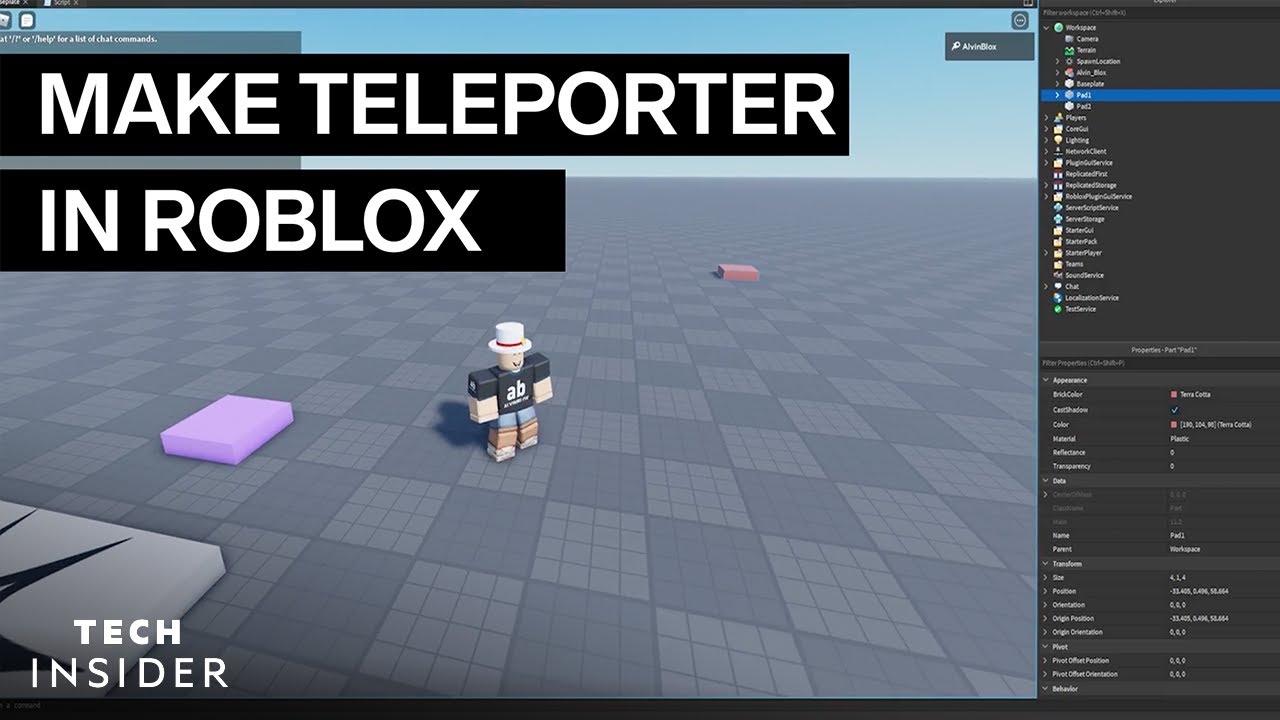


Roblox Scripting Tutorial How To Teleport Players Teleport Pad . Roblox Teleport Player . Roblox Studio Tutorial E To Teleport Proximity Prompt YouTube . How To SCRIPT A TELEPORT SYSTEM On ROBLOX STUDIO FULL TUTORIAL YouTube . How To Teleport Players To Another Game In Roblox Studio 2025 YouTube


2026 How To Make A Part Teleport To A Different Place In Your Game In Hqdefault . How To Teleport The Player Using A Script Roblox Studio YouTube . HOW TO MAKE A TELEPORT BUTTON IN ROBLOX STUDIO Roblox Studio . How To Make Teleport Buttons In Roblox Studio YouTube . How To Make Teleport Button Roblox Studio Full Guide YouTube


HOW TO MAKE A GAME TELEPORTER Roblox Studio Tutorial YouTube . How To Teleport All Players At Once Roblox Studio Tutorial YouTube . How To Teleport Players In Roblox Studio YouTube . How To Teleport Players To Another Game In Roblox Studio YouTube . ROBLOX Tutorial Game Teleport Script Teleport To Other Games Or



How To Teleport Player To Specific Location Scripting Support . How To Teleport A Player In Roblox Studio Very EASY YouTube . Roblox Teleport Player Ddf36 1920 . How To Teleport Players From Lobby To Arena In Roblox Full Round Hqdefault . How To Teleport In Abyss March 2026 Complete Scientist Quest Guide How To Teleport In Abyss Guide 768x419



How To Make A Teleport Gui In Roblox Studio 2023 YouTube . How To Make A TELEPORT BUTTOM Roblox Studio Tutorial 2024 YouTube . ROBLOX TELEPORT SERVICE CUSTOM Teleporting GUI And TELEPORT DATA . How To Make A Teleporter In Roblox Studio 2025 YouTube . How To Teleport Players In Roblox Studio YouTube